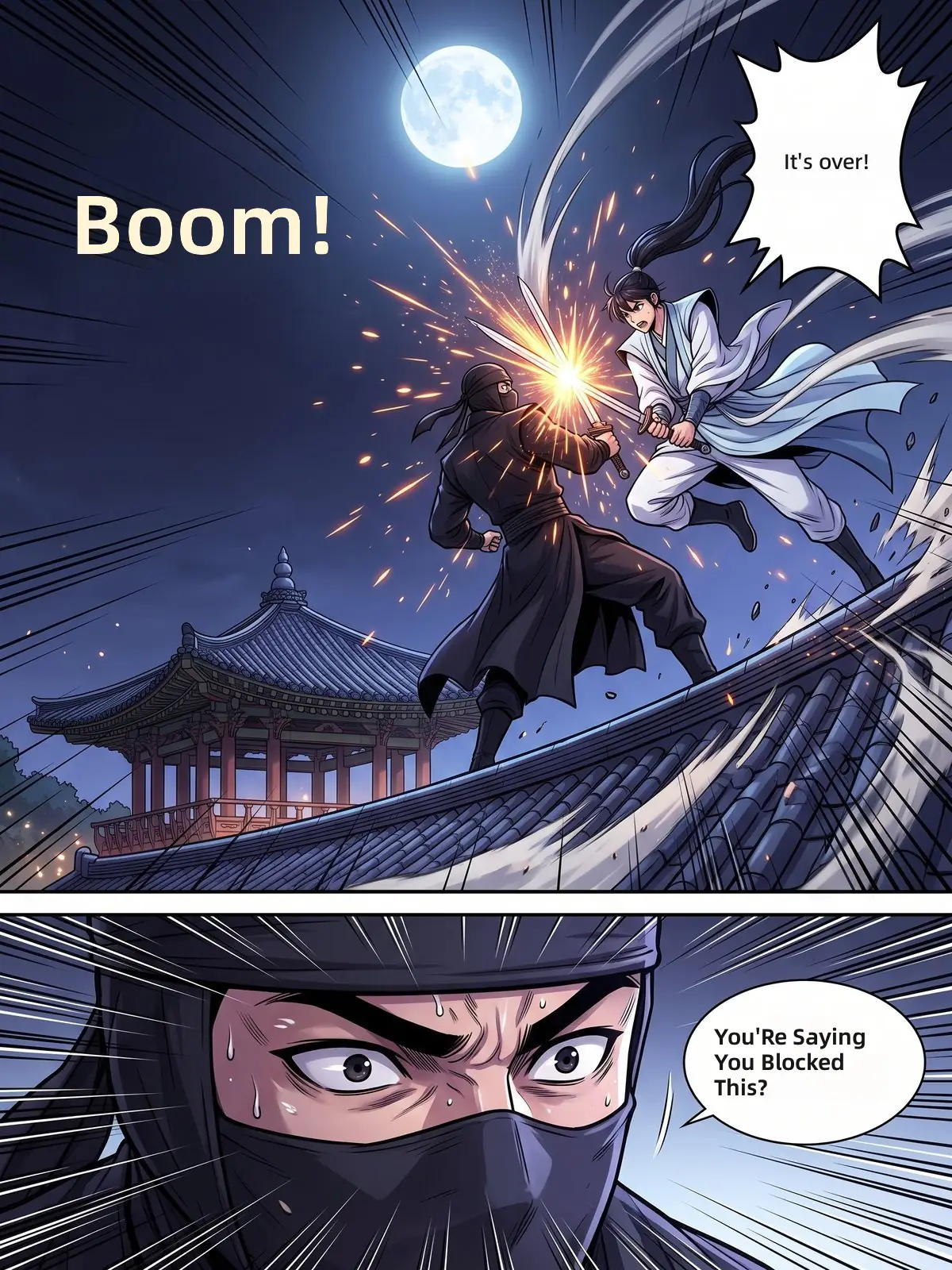
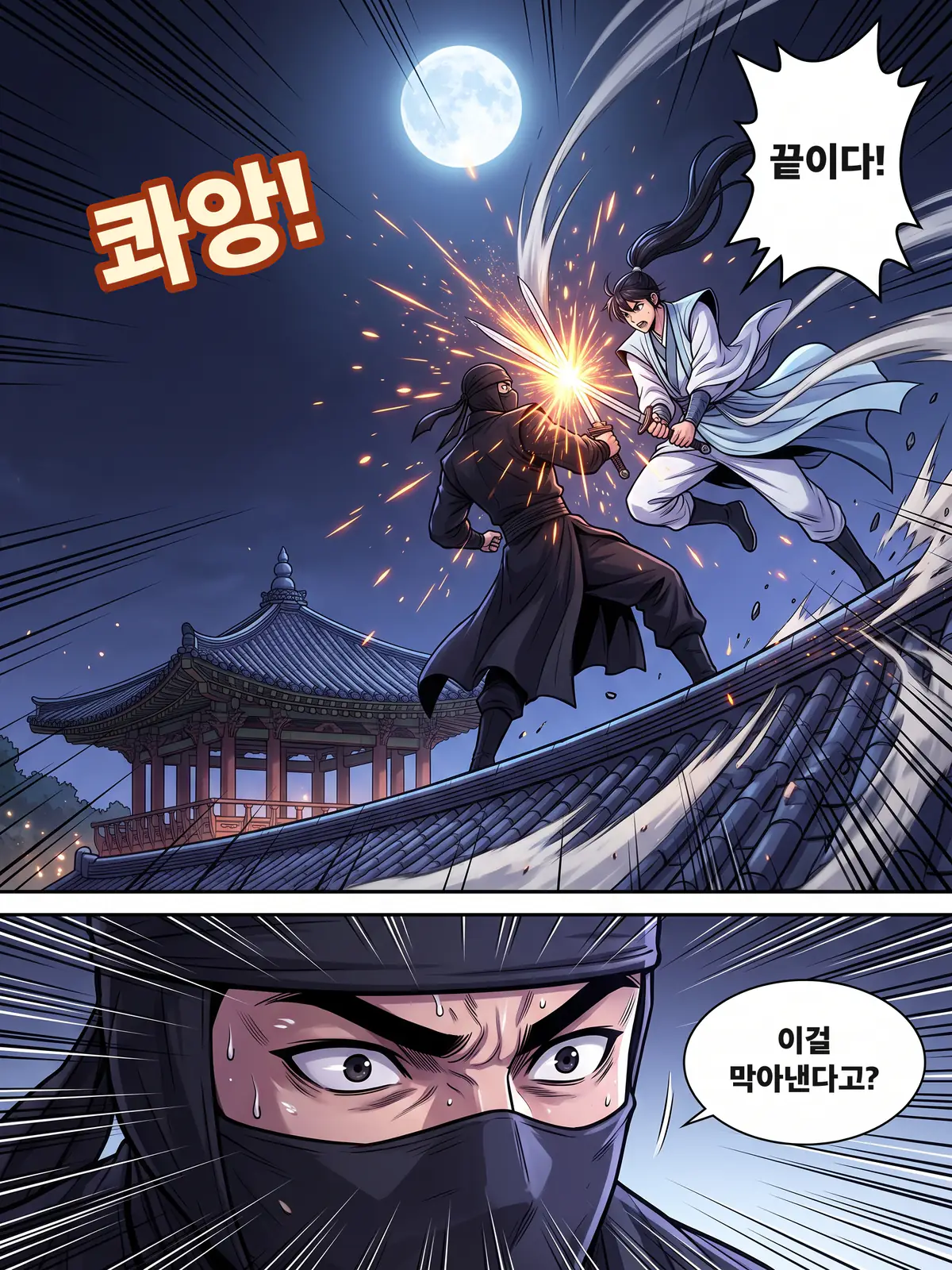
Murim fight scenes
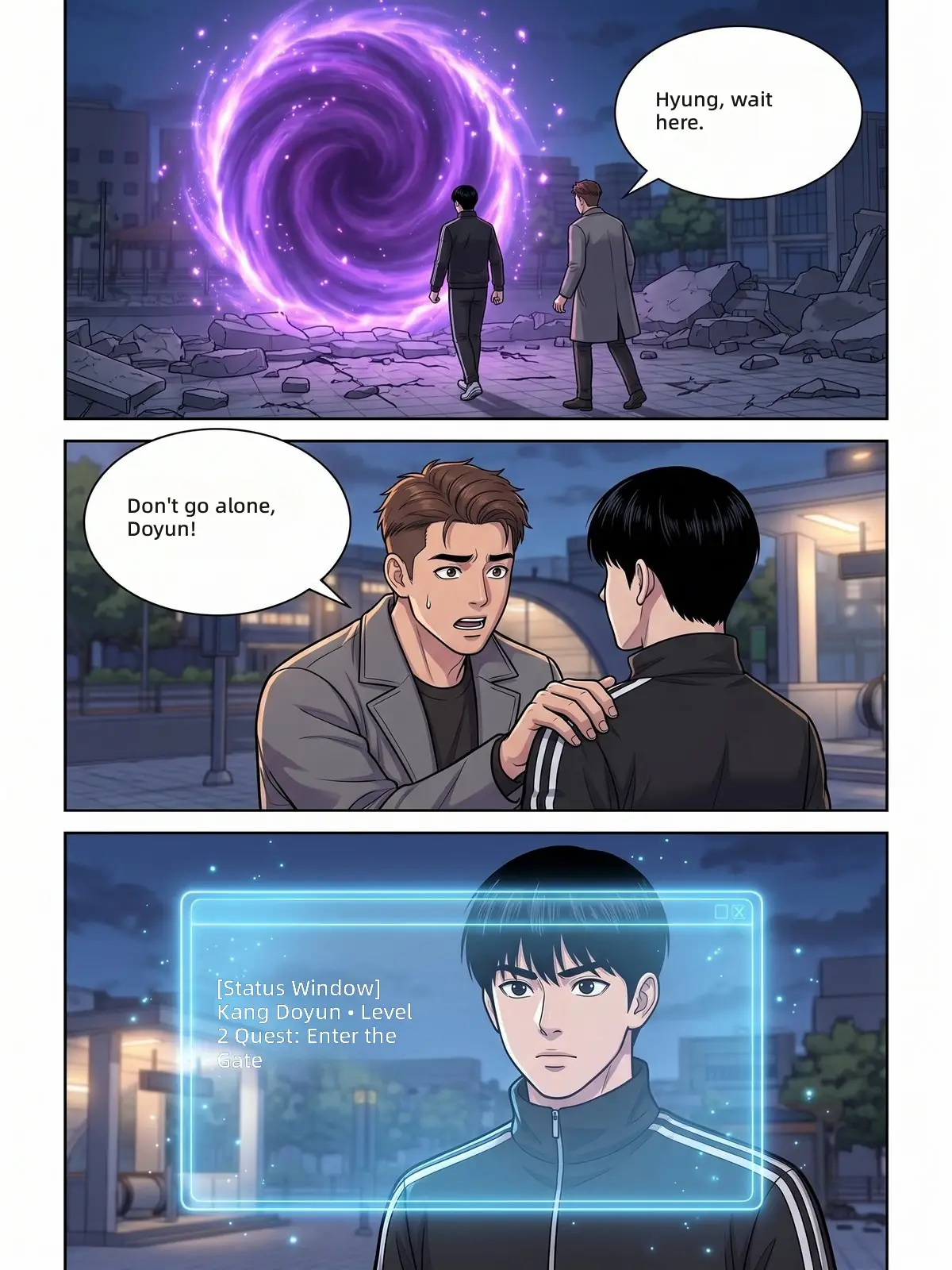
Shouts and the impact sound effect are translated, and the speed lines stay untouched.
Read Korean manhwa in your own language, chapter after chapter.
Upload a page, a screenshot or a whole chapter. The manhwa translator reads the Korean, keeps every name and honorific the same from episode to episode, and letters your language back into the bubbles.
Upload Korean manhwa pages
Screenshots, pages or a ZIP or CBZ chapter, up to 100 pages.
JPG · PNG · WEBP · ZIP · CBZ · Up to 100 pages
Your uploads stay private.
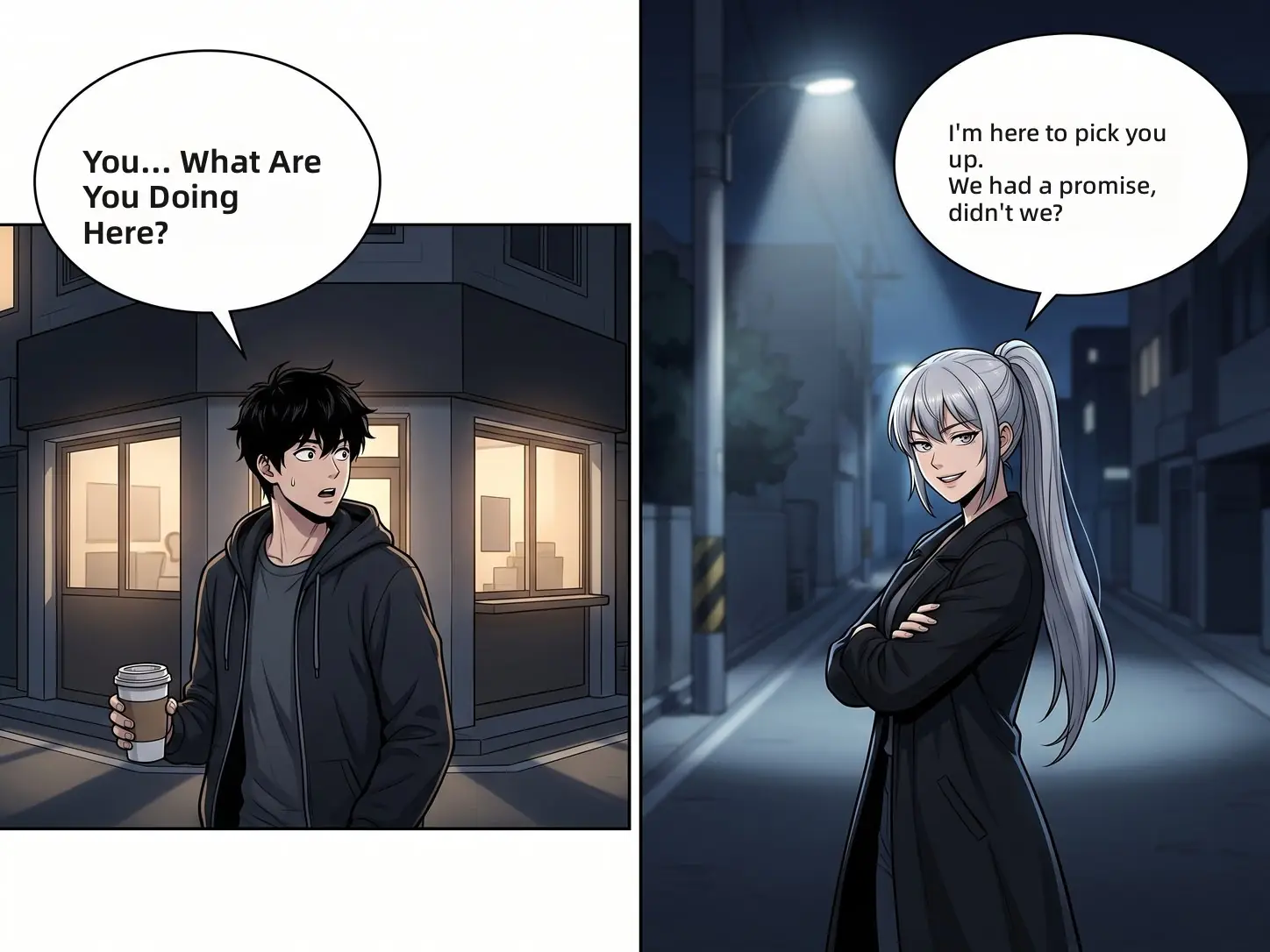
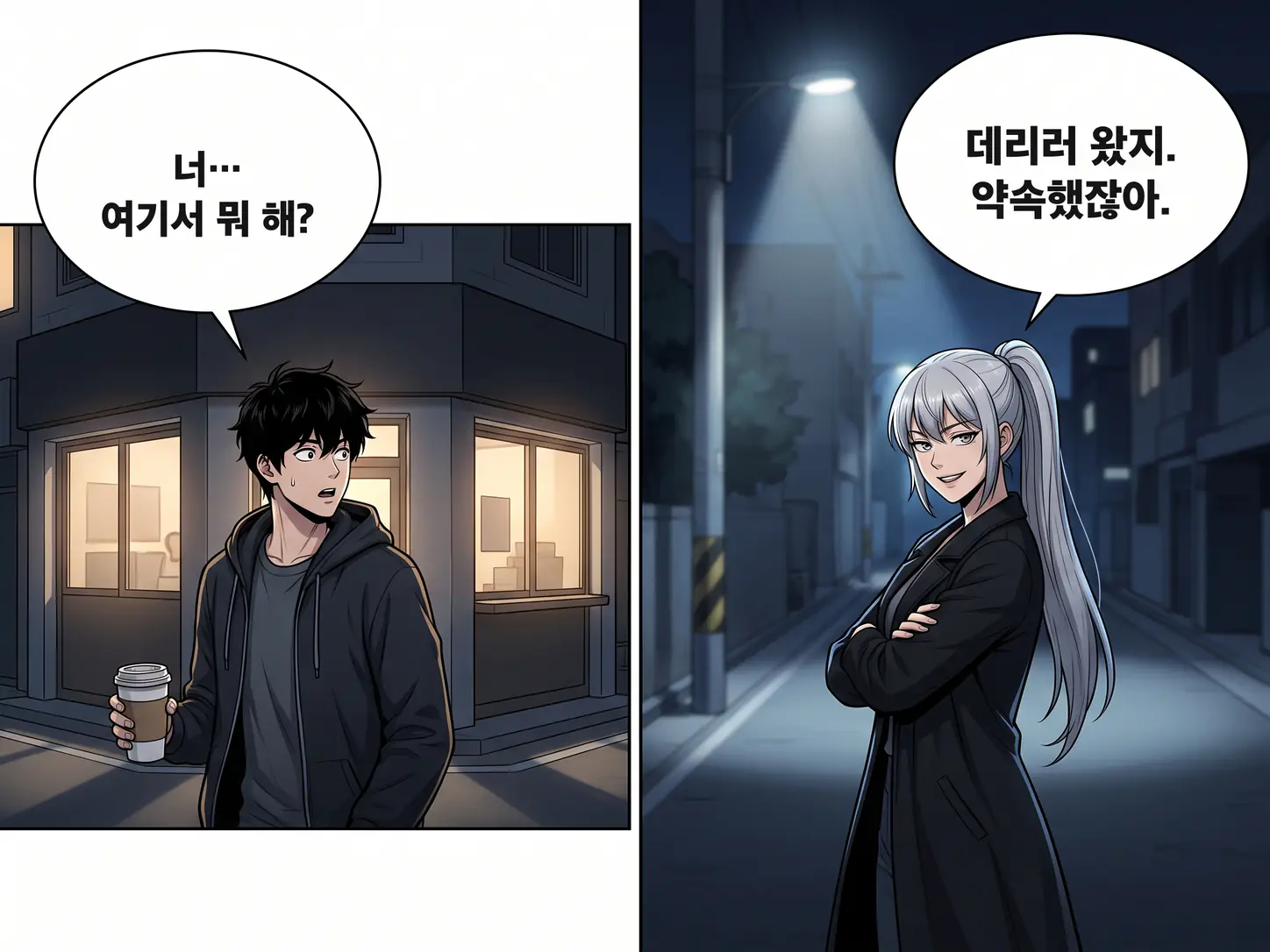
Original illustration
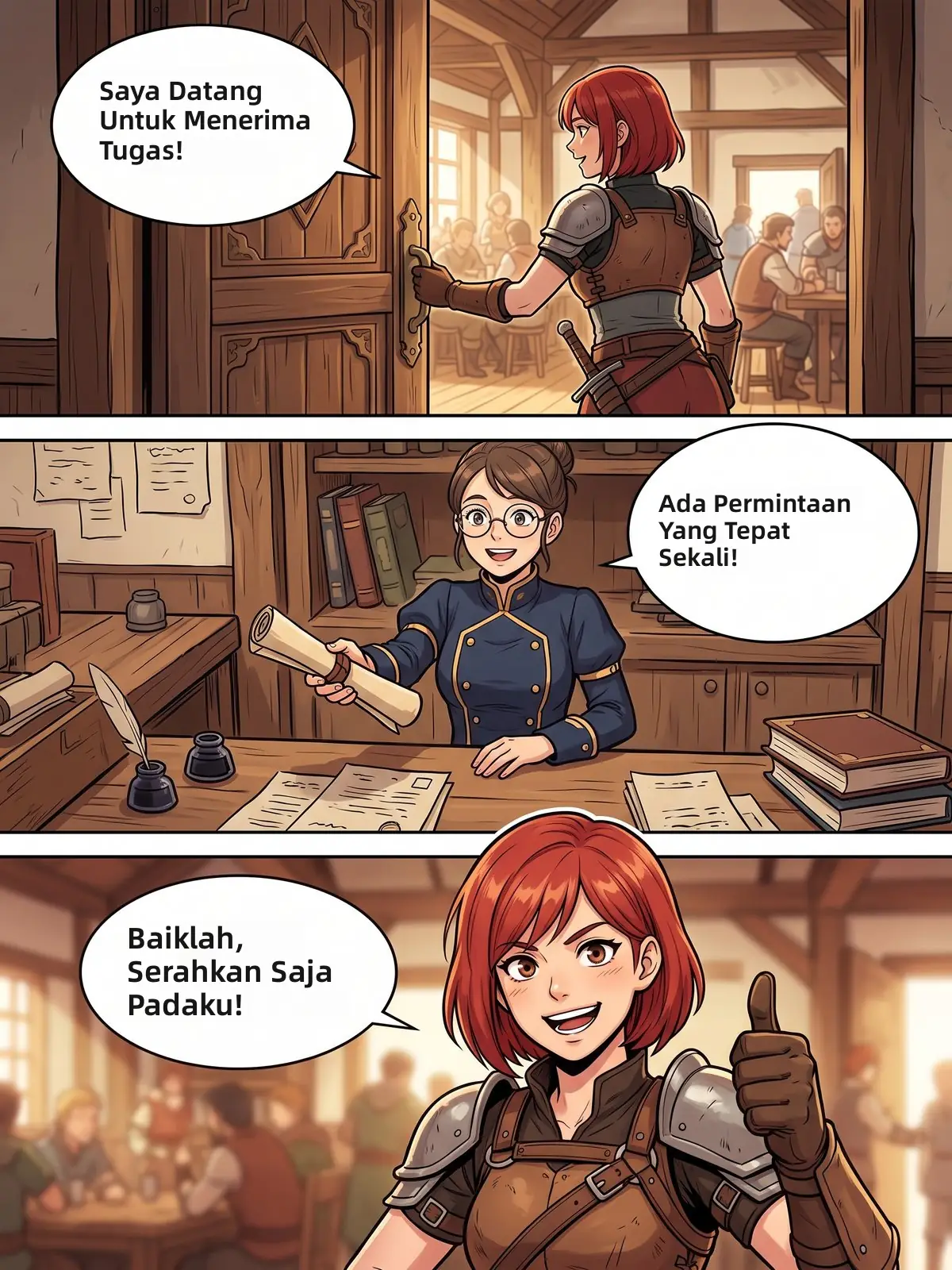
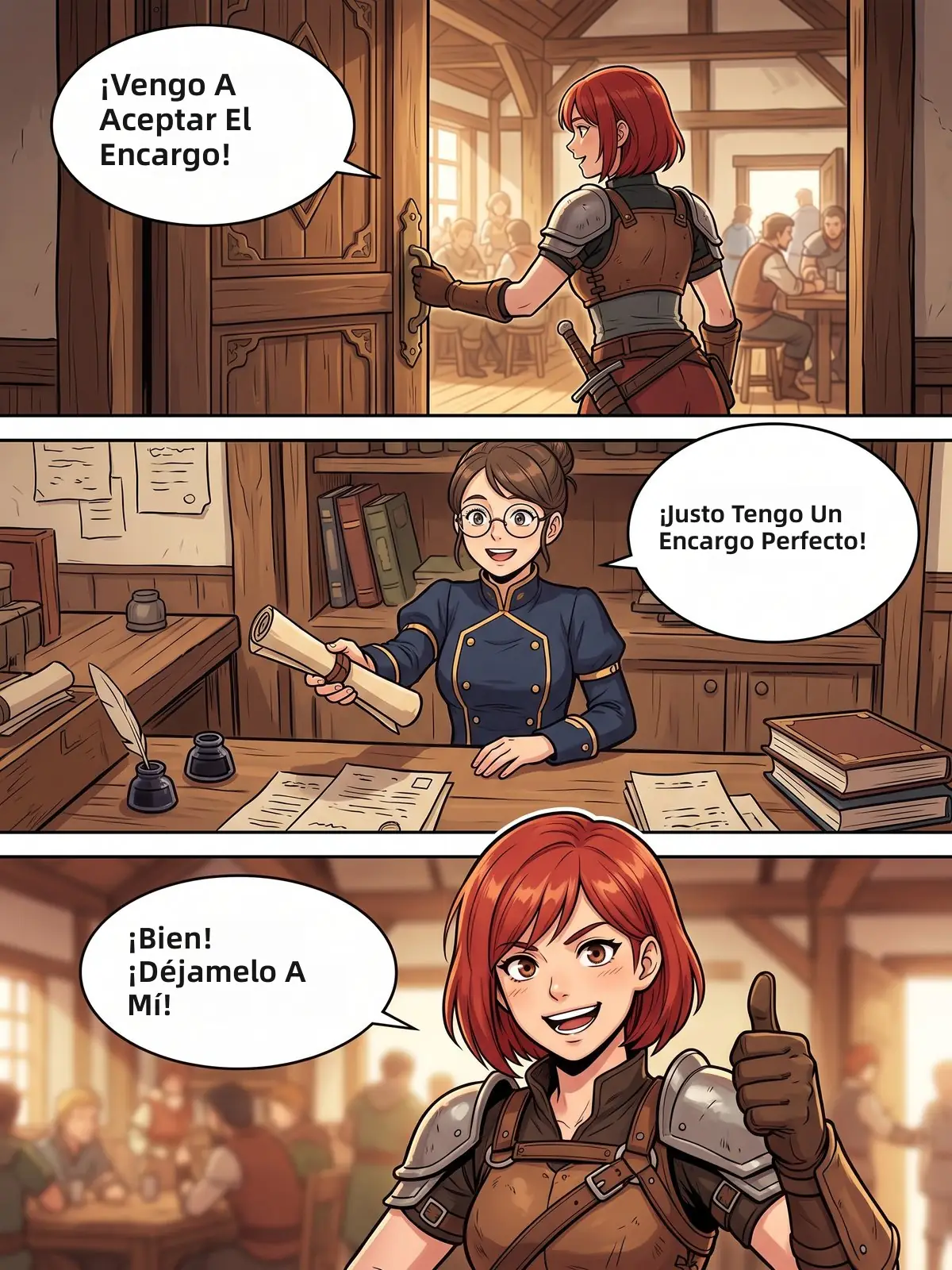
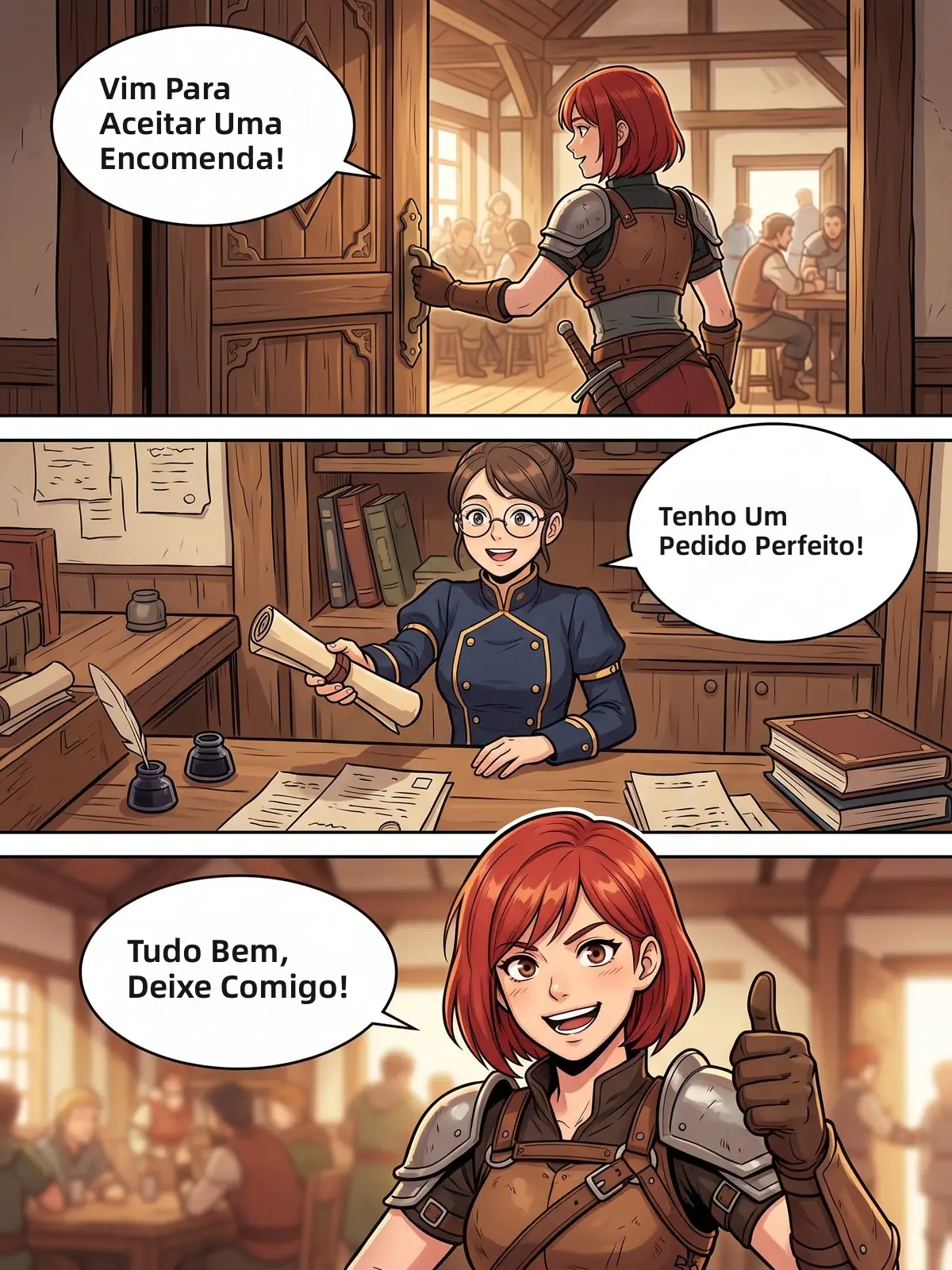
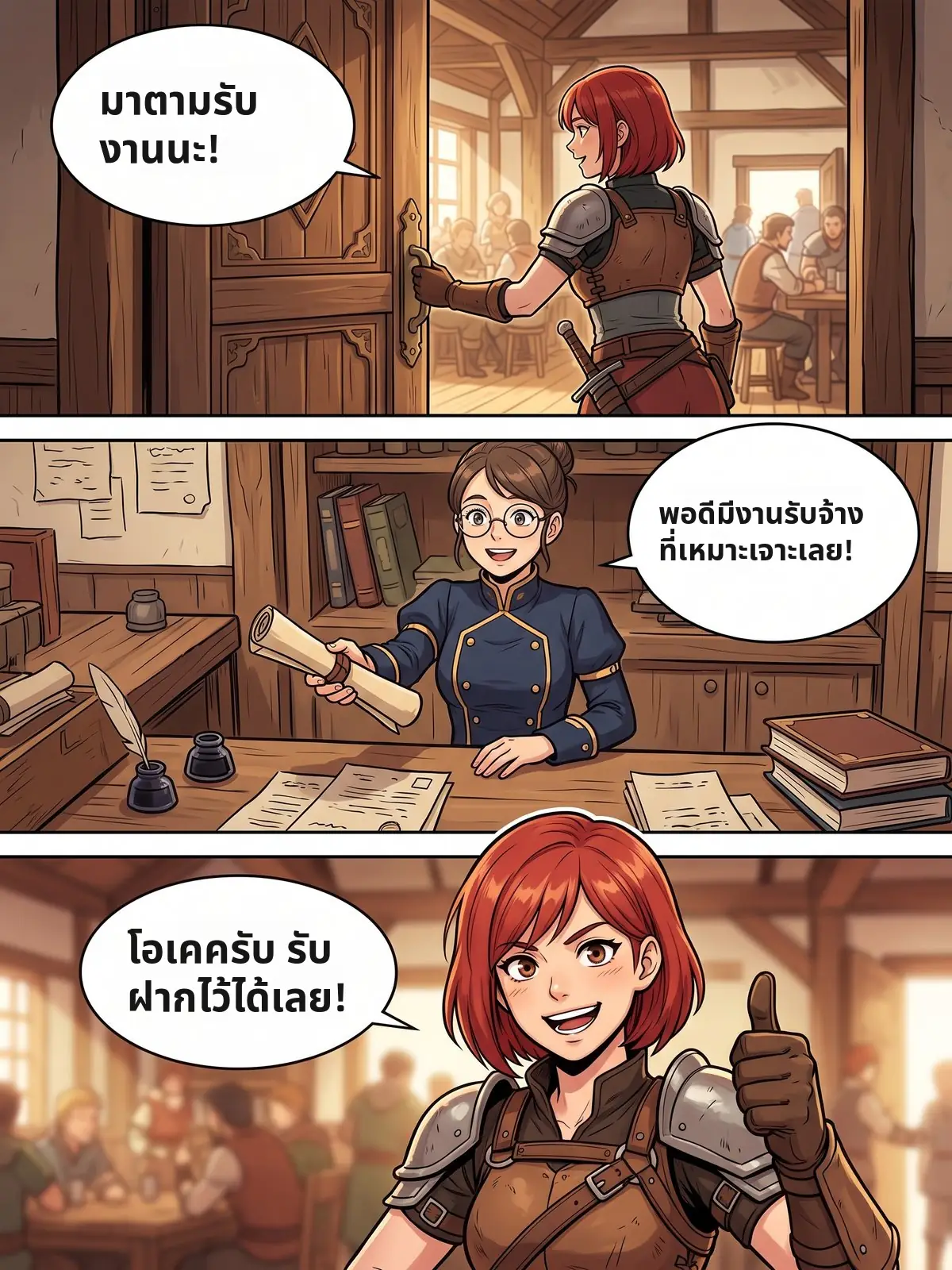
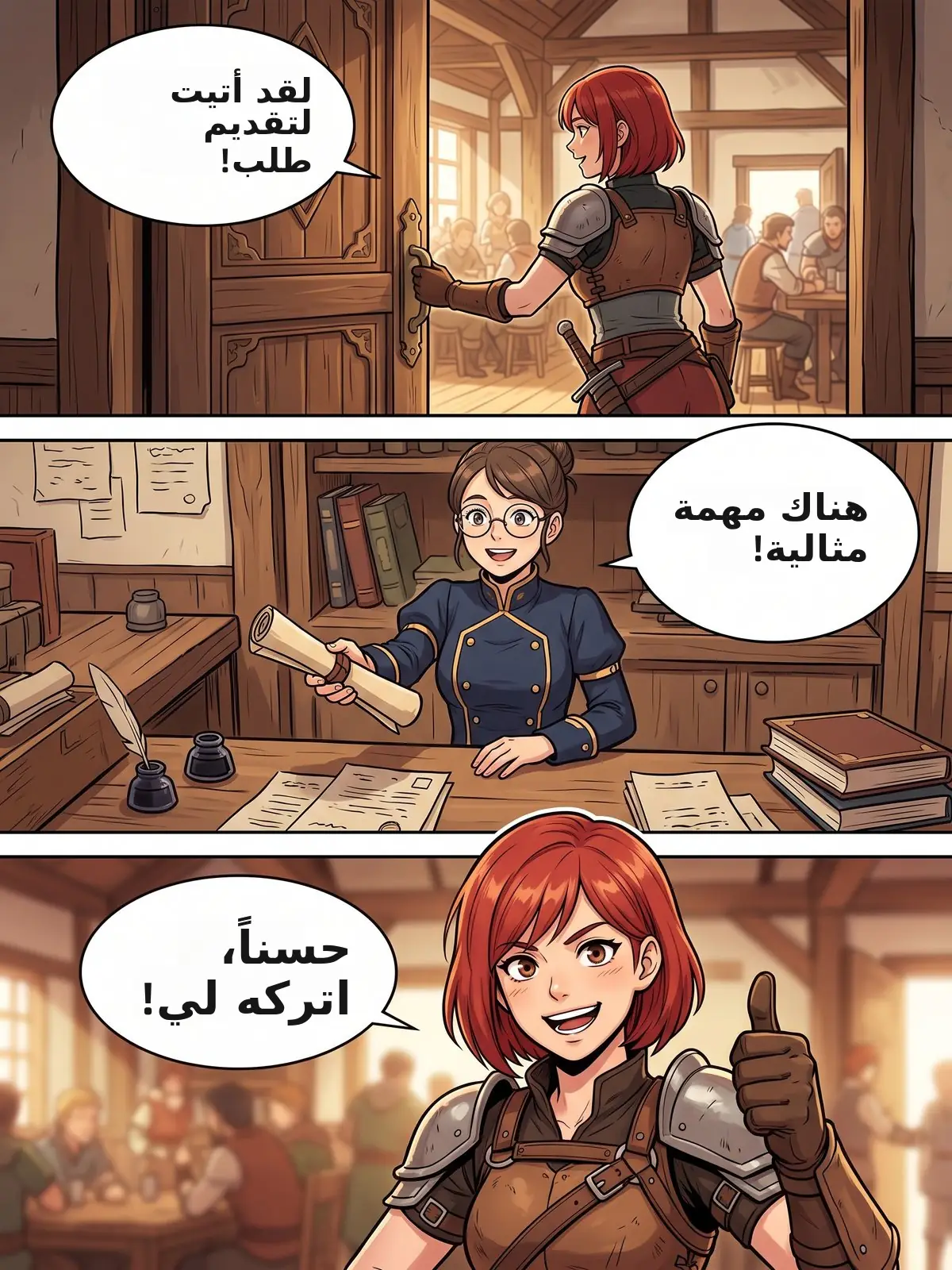
Manhwa readers are everywhere, from Jakarta to São Paulo to Riyadh. The manhwa translator turns the same Korean page into the language you read, with the lettering sized the lettering to each bubble. Tap a language to see the real result.
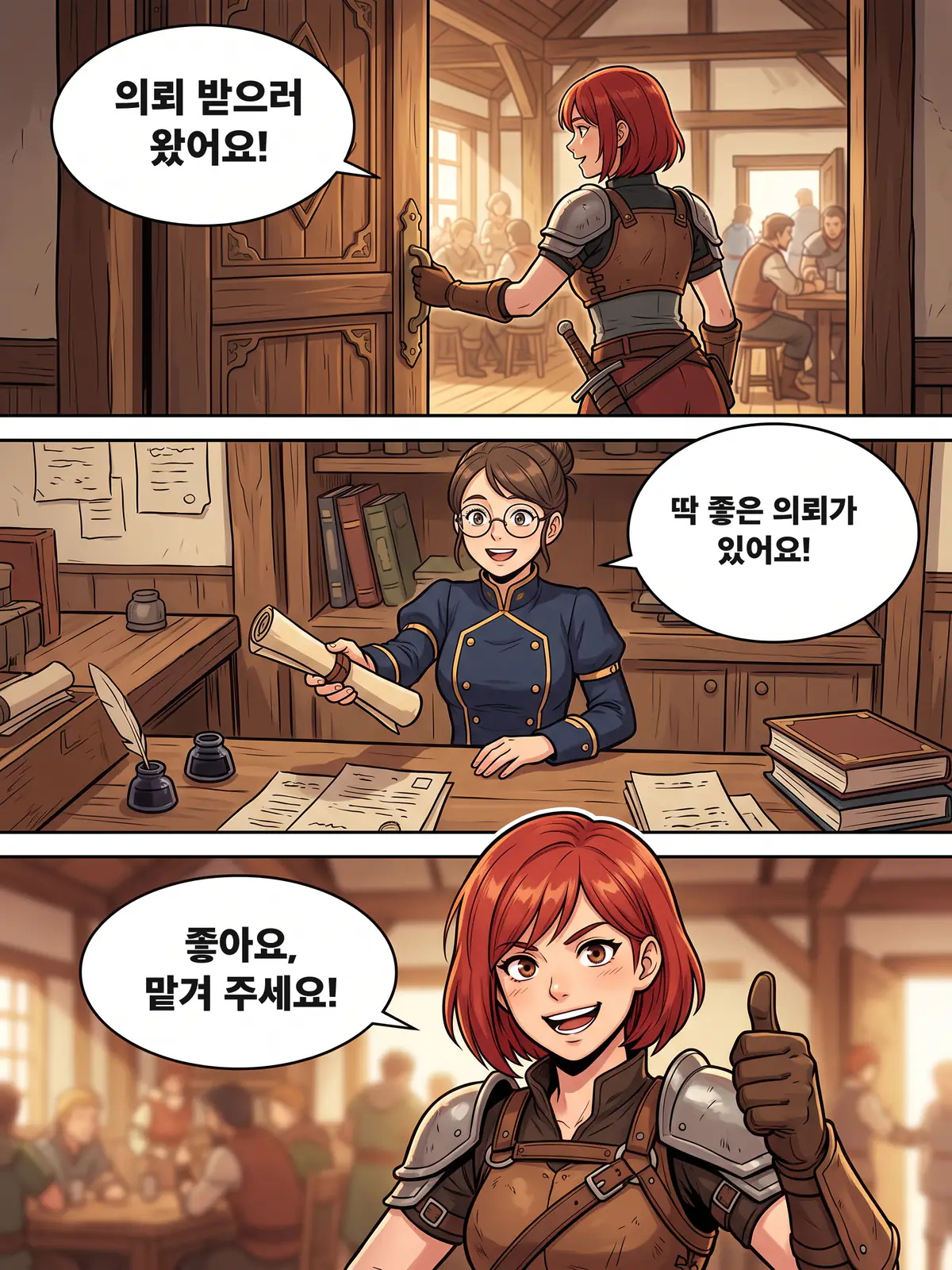
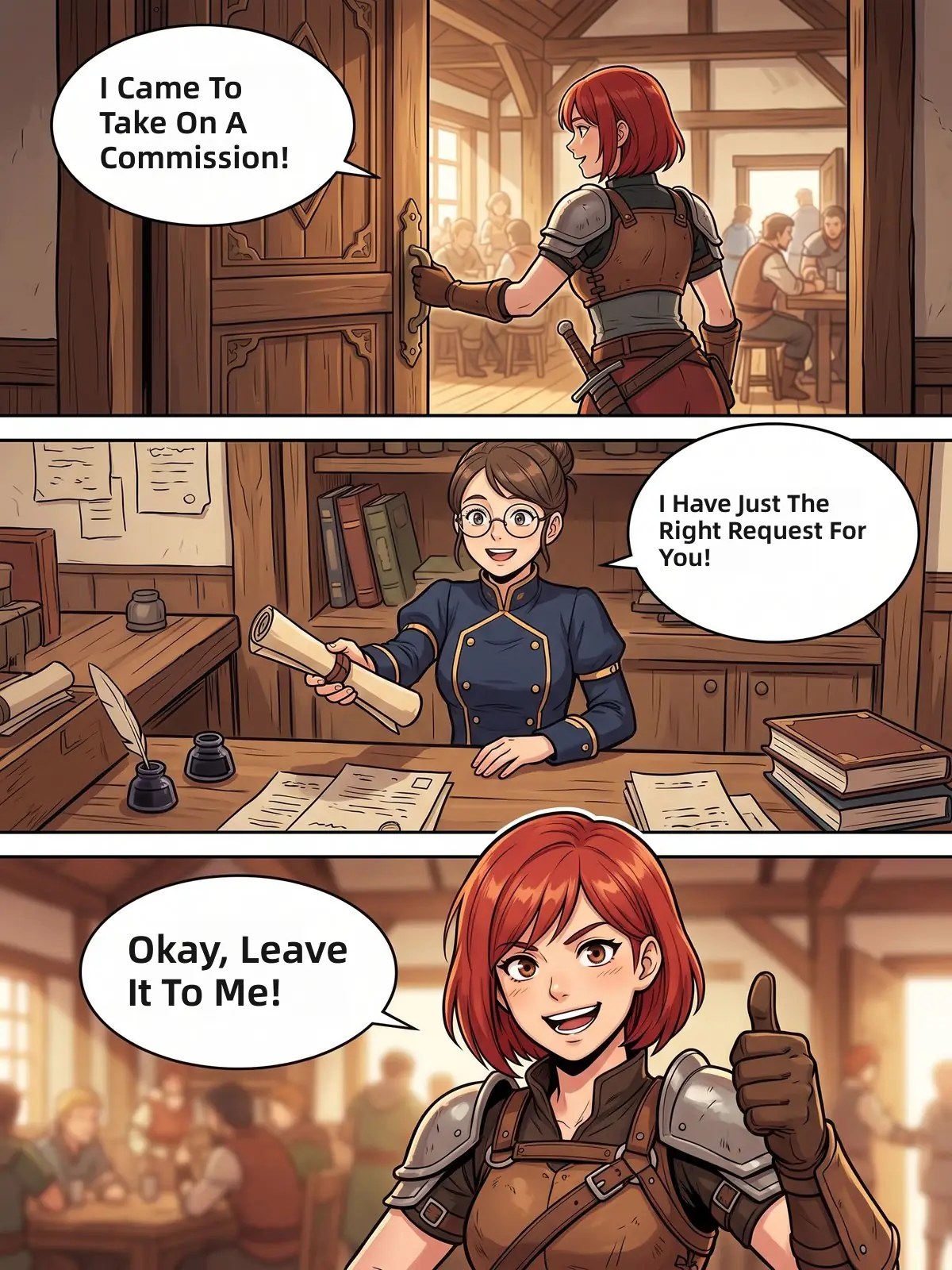
A manhwa translator is an AI tool that turns Korean comics into your language right on the page. It finds every speech bubble, narration box and game-style system window, translates the Korean and letters the result back in place, so the full-color art stays exactly as drawn.
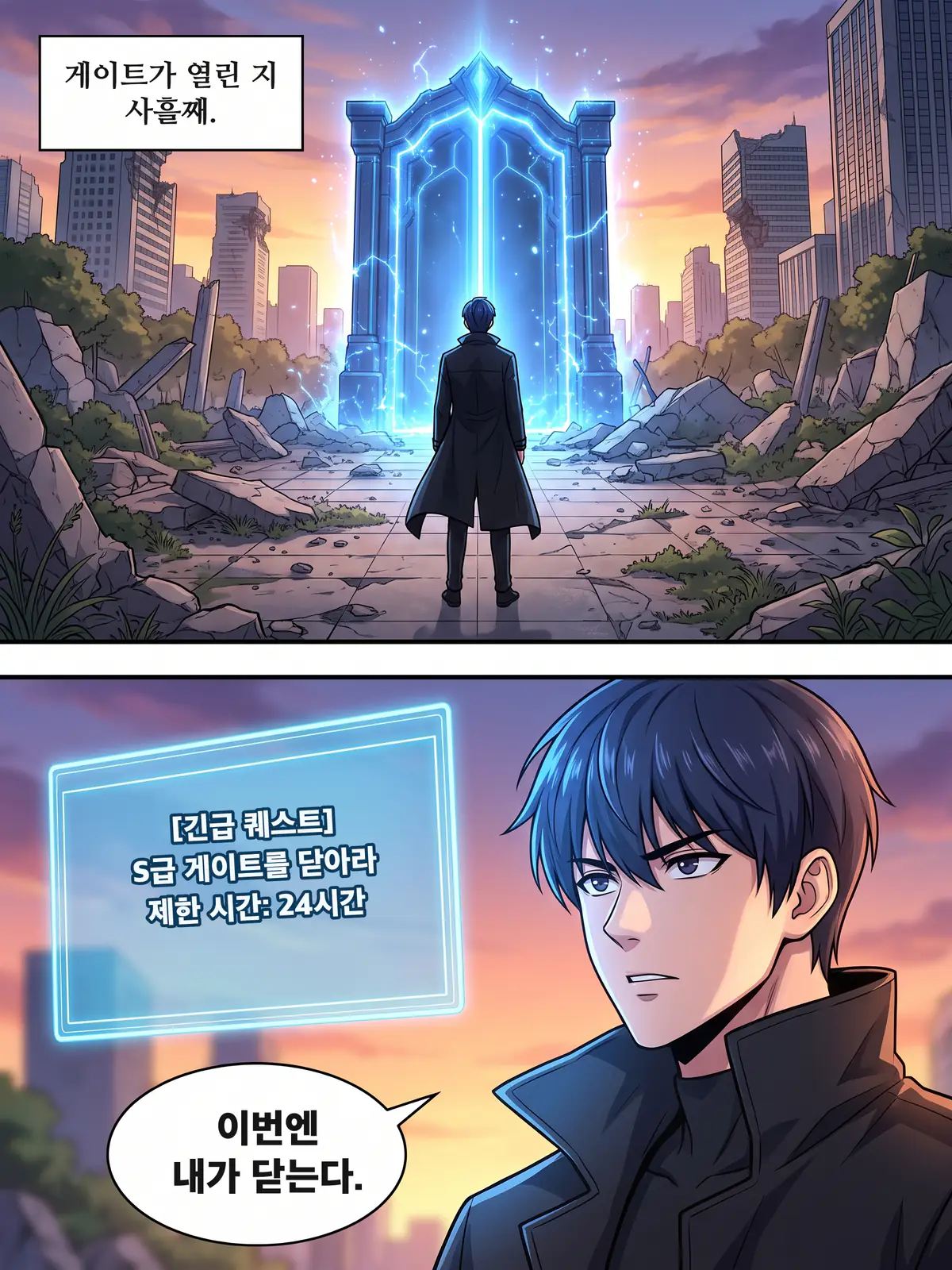
Manhwa text is more than dialogue. Narration boxes carry the inner voice, and the system windows of leveling stories hold stats, quests and skill names. Each kind of text is handled on its own terms, and every term stays the same from page to page.
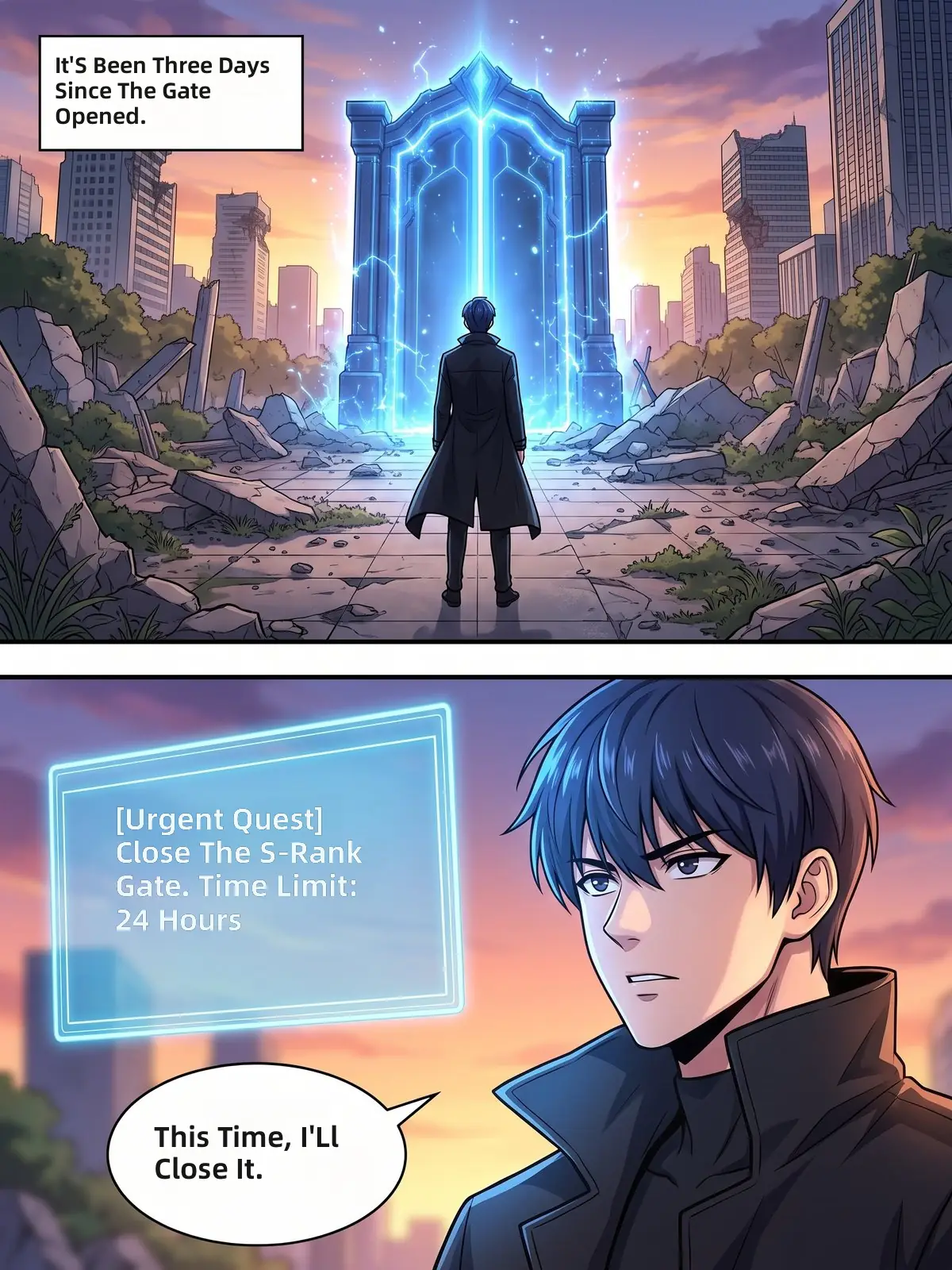 Narration boxSystem windowSpeech bubble
Kang Doyun stays Kang Doyun from episode 1 to episode 200. A glossary saved for each series is applied to every new chapter, so names, skills and terms never drift. Switch the honorific setting to see both versions of these two pages.
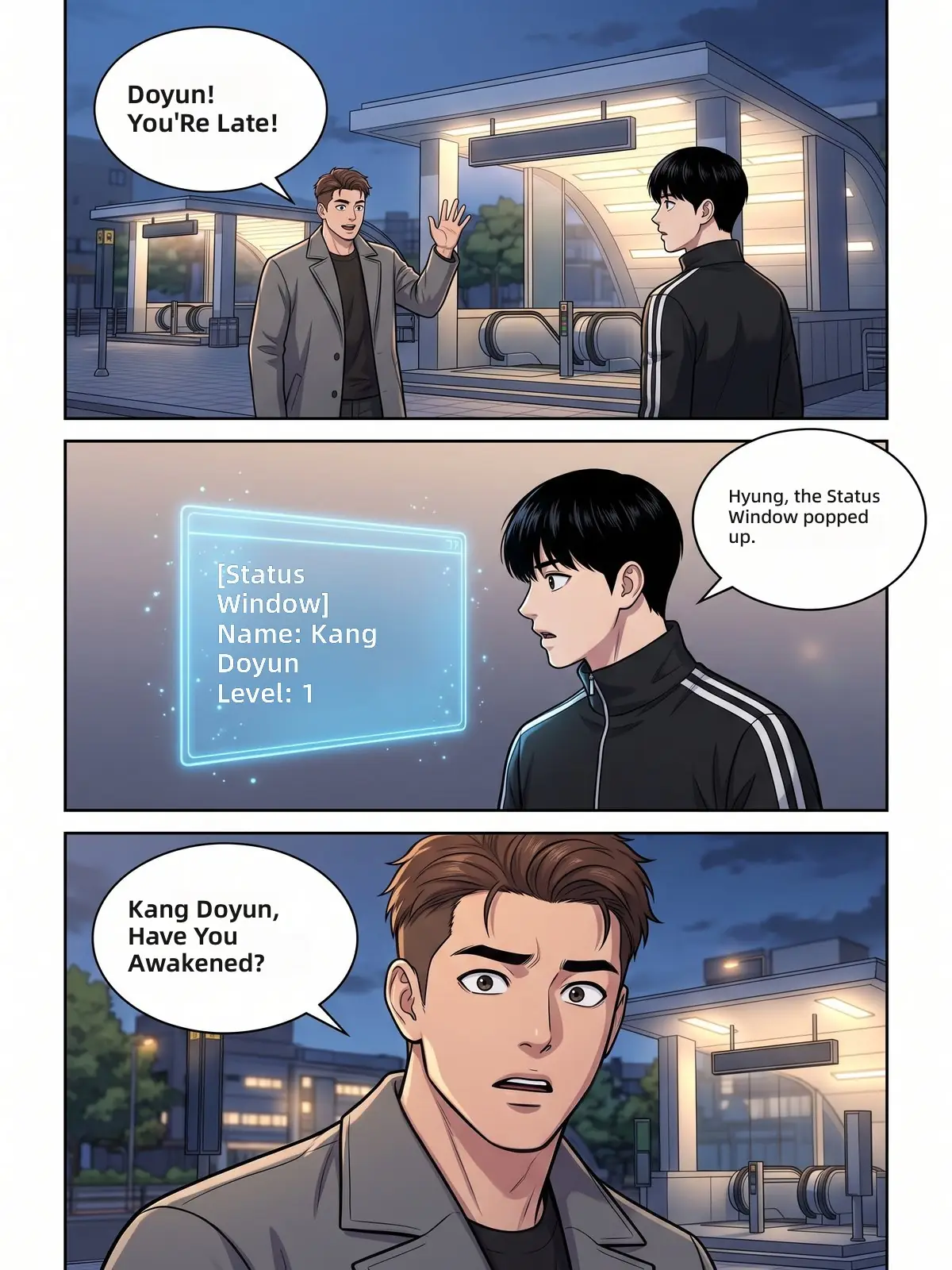
Glossary · Kang Doyun's story
| Korean | English | |
|---|---|---|
| 강도윤Name | Kang Doyun | |
| 형Honorific | hyung | |
| 상태창System | Status Window | |
| 게이트Term | Gate |
Applied to both pages shown here and to every chapter you add next.
The three kinds of text manhwa readers meet most. Drag each slider to compare the Korean page with its translation.
Shouts and the impact sound effect are translated, and the speed lines stay untouched.
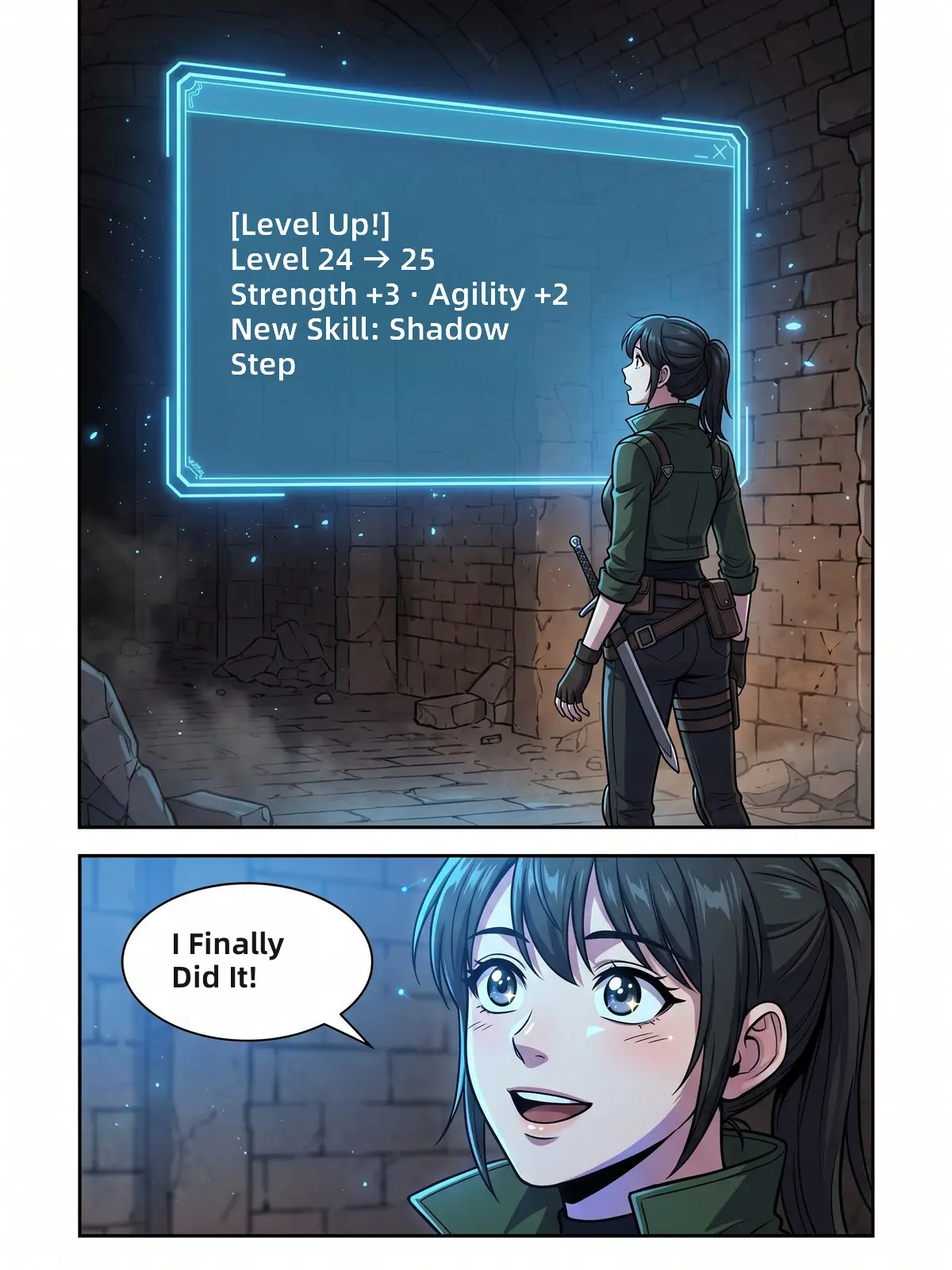
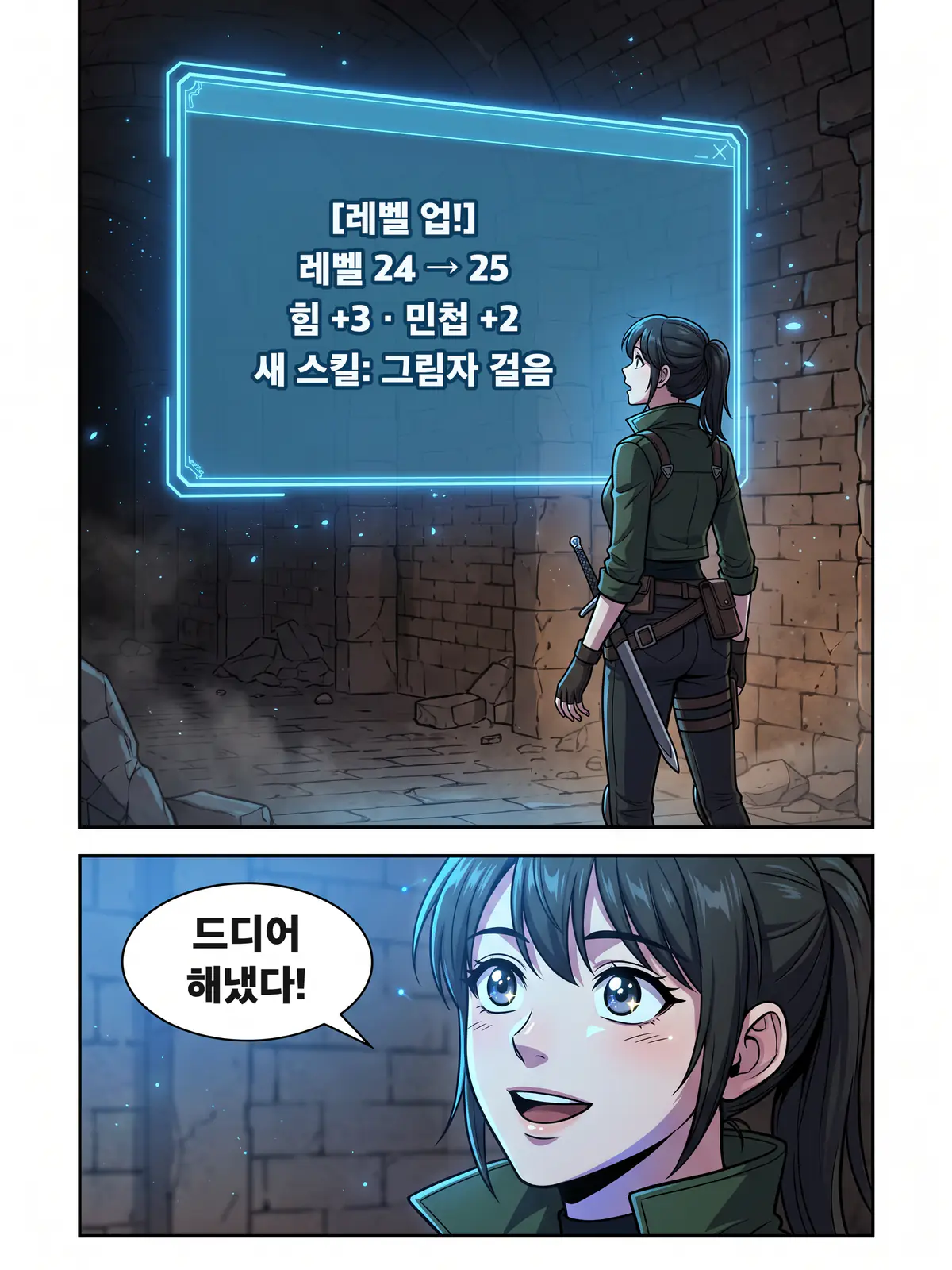
Stats, skill names and quest text are translated inside the glowing system window.


Quiet narration boxes keep their tone, line by line, next to the dialogue.
Add a whole chapter as a ZIP or CBZ file, up to 100 pages at a time. The manhwa translator works through the pages in reading order and carries the series glossary over, so next week's chapter reads like this one.
kang-doyun-episode-12.cbz
48 pages · Korean → English
1234Glossary applied · 4 terms
Episode 13 uses the same glossary
Everything runs in your browser. On a phone, upload screenshots from your gallery; on a computer, drop in pages or a chapter file. Nothing to install, and your translations wait for you in My Translations on both. Reading a vertical-scroll episode from an app? The webtoon translator takes long screenshots as they are.
Four steps from a Korean page to one you can read.
Choose screenshots, pages or a ZIP or CBZ chapter, up to 100 pages.
Korean is set as the source and your own language as the target. Pick another target whenever you like.
Open the glossary to fix how names are spelled and to keep or localize honorifics.
Compare each page with the Korean original, then save one page or the whole chapter.
Translators built for other kinds of comics.
Yes. Your first page is free without an account, and signing up adds 5 free credits. One credit translates one page. After that, credit packs start at $5.90 for 100 pages.
You do not need one. The manhwa translator works in any browser on your phone or computer: upload screenshots or pages and read the result right there. A browser extension is on the way.
Upload the chapter as a ZIP or CBZ file, or select all its pages, up to 100 at a time. The reading order is kept and your series glossary is applied to every page.
Take screenshots of the pages, open this page in your phone browser and upload them from your gallery. The translated pages open right in the browser.
Yes. Choose any of 55 target languages, including Indonesian, Spanish, Portuguese, Thai, Arabic, Vietnamese and Hindi.
Yes. Choose to keep Korean honorifics or to localize them, and the choice holds for the whole series.
No. Adult content is not supported. Pages flagged as adult are not translated and the credit is returned.
Manhwa are Korean comics and manhua are Chinese comics. Chinese pages work too: set the source language to Chinese.
Upload a Korean page and read it in your language in seconds.
Translate manhwa