
 Source: Korean or auto
WEBTOON app
Open the episode and take screenshots as you scroll, or one scrolling screenshot if your phone offers it. Upload them in reading order.
Screenshot the episode, read it in your language.
Upload screenshots from your webtoon app or one long episode image. The webtoon translator cuts the strip at the gutters, translates every bubble from top to bottom and joins it back together, so the scroll reads the same.
Upload screenshots or a full episode strip
Screenshots in reading order or one long image, up to 100 files.
JPG · PNG · WEBP · ZIP · CBZ · Up to 100 pages
Your uploads stay private.
Original illustration
Every source starts a little differently. Here is how to get the images out of each one and which source language to choose.
Source: Korean or autoOpen the episode and take screenshots as you scroll, or one scrolling screenshot if your phone offers it. Upload them in reading order.
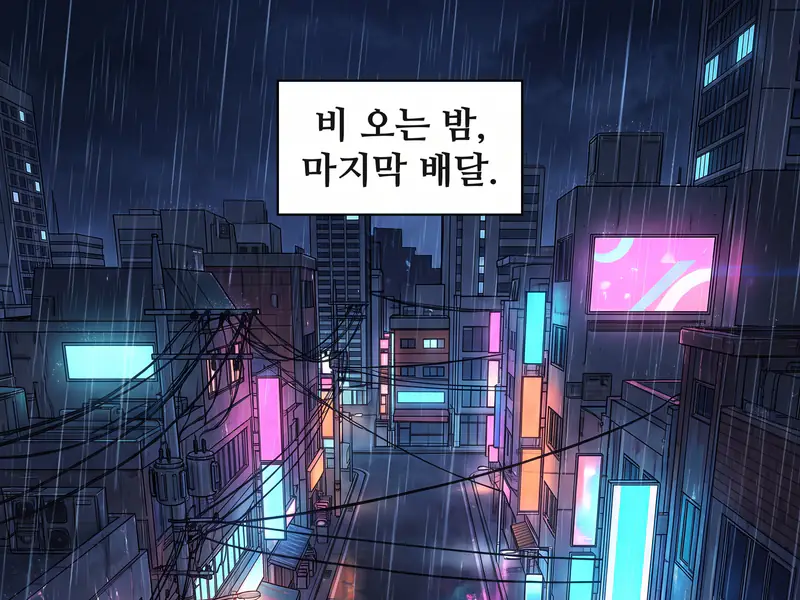 Source: Korean
Korean originals run weeks ahead of most translations. Screenshot the episode in the app or on the website and keep the source on Korean. Following a Korean series chapter by chapter? The manhwa translator keeps names and honorifics the same in every episode.
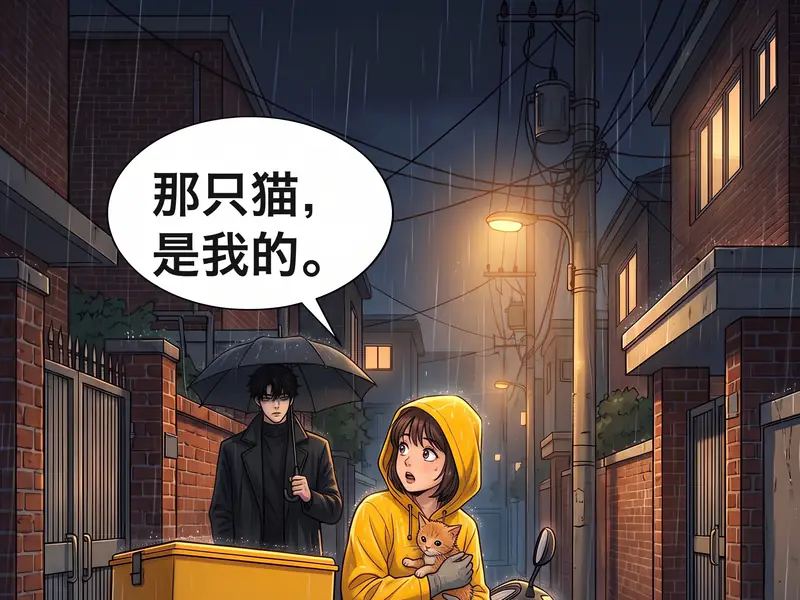 Source: Chinese
Chinese full-color strips read the same way as Korean ones. Save or screenshot the panels and set the source to Chinese.
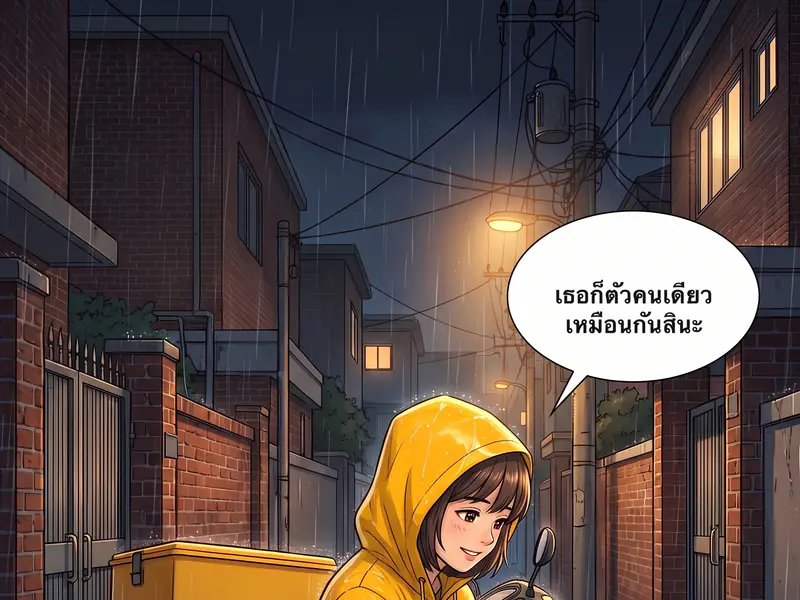 Source: Thai or Indonesian
Local-language series and releases in Thai or Indonesian work too. Choose Thai or Indonesian as the source, or leave it on auto detect.
A webtoon translator is an AI tool for vertical scrolling comics. You give it screenshots or one long episode image, and it gives back the same strip with every bubble and caption in your language, in the same place, with the colors untouched.
Webtoons are paced by space. The white gap between two panels is a pause, and a tall panel is a slow reveal. Long strips are cut only inside those gaps, never through a bubble, and keeps every gap at its original height.
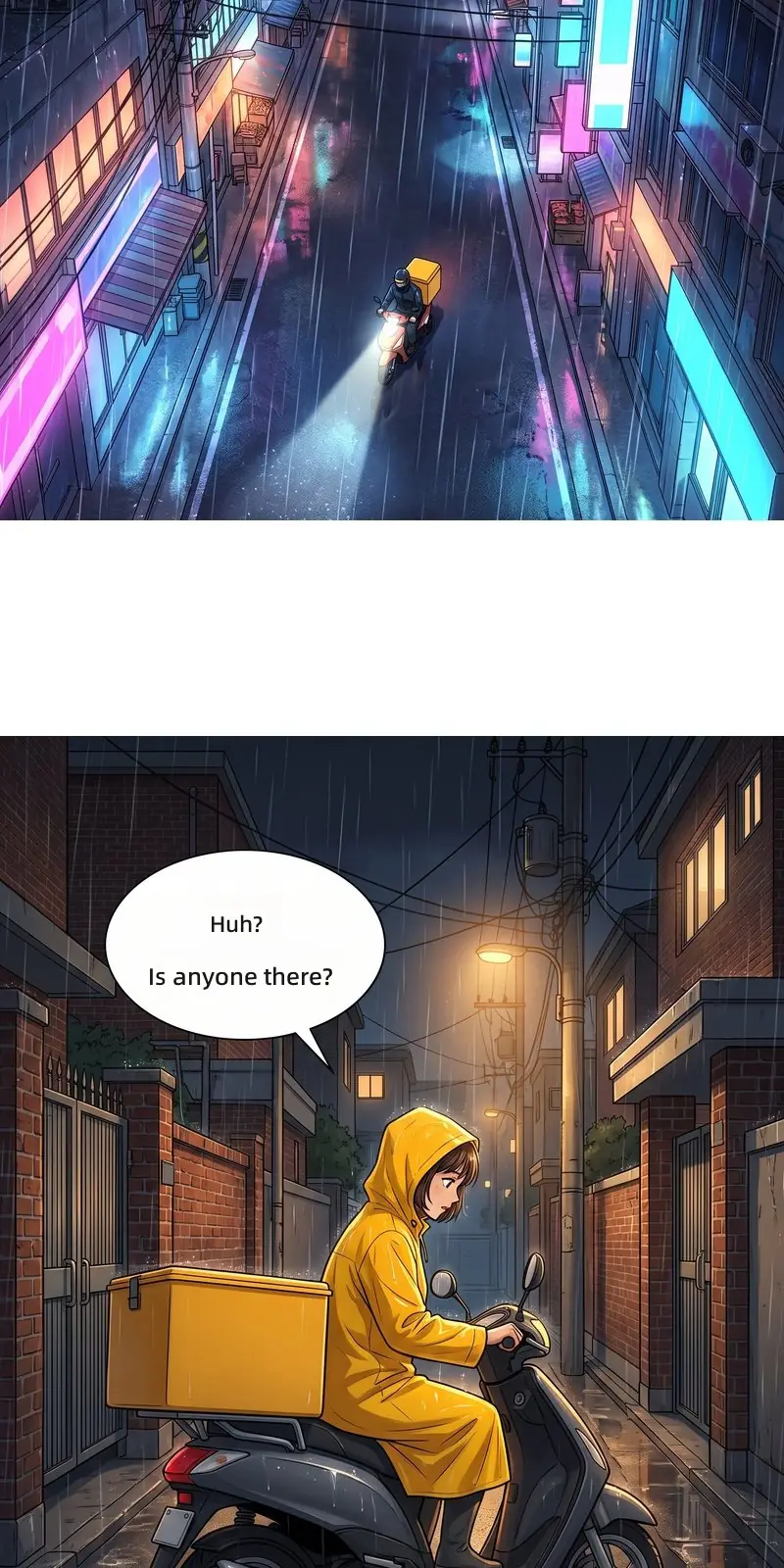 Gutter = pauseSpeech bubble
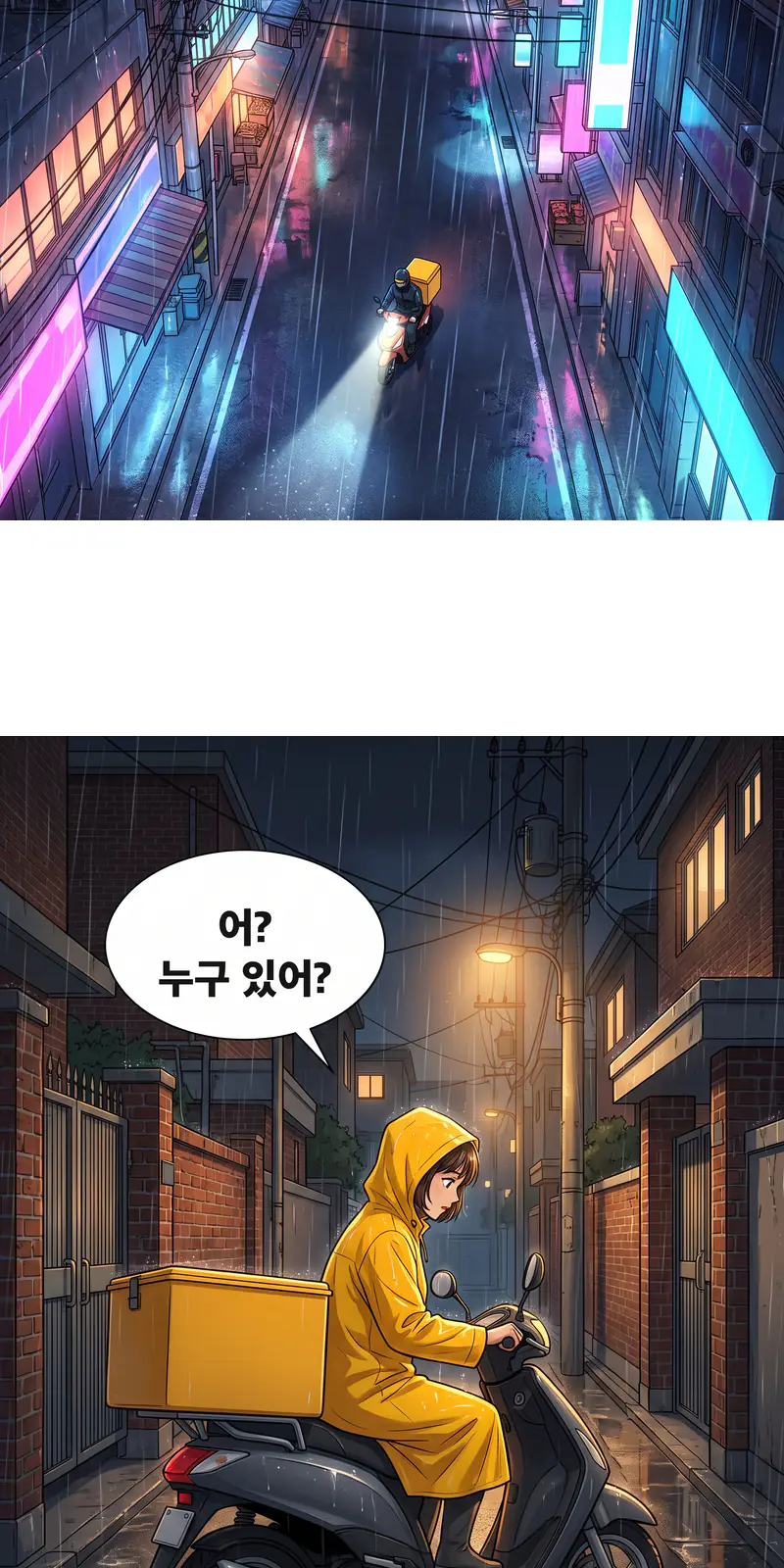
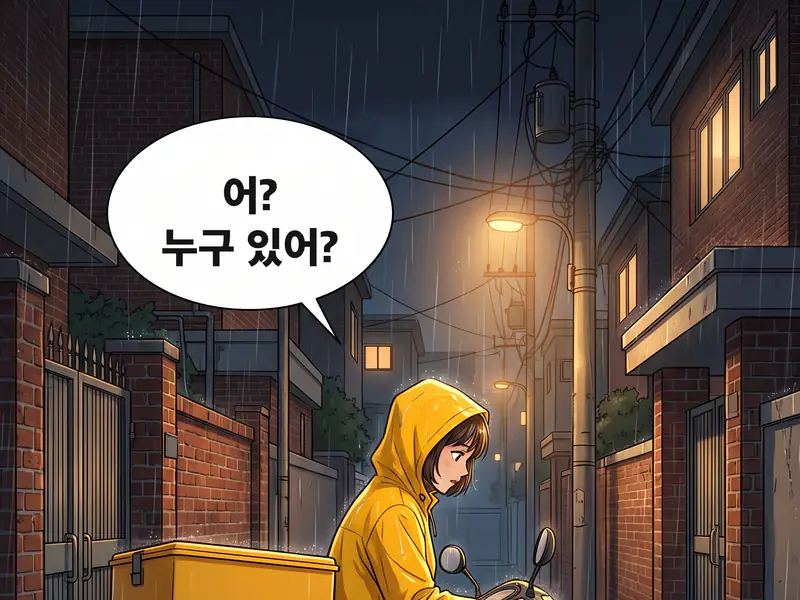
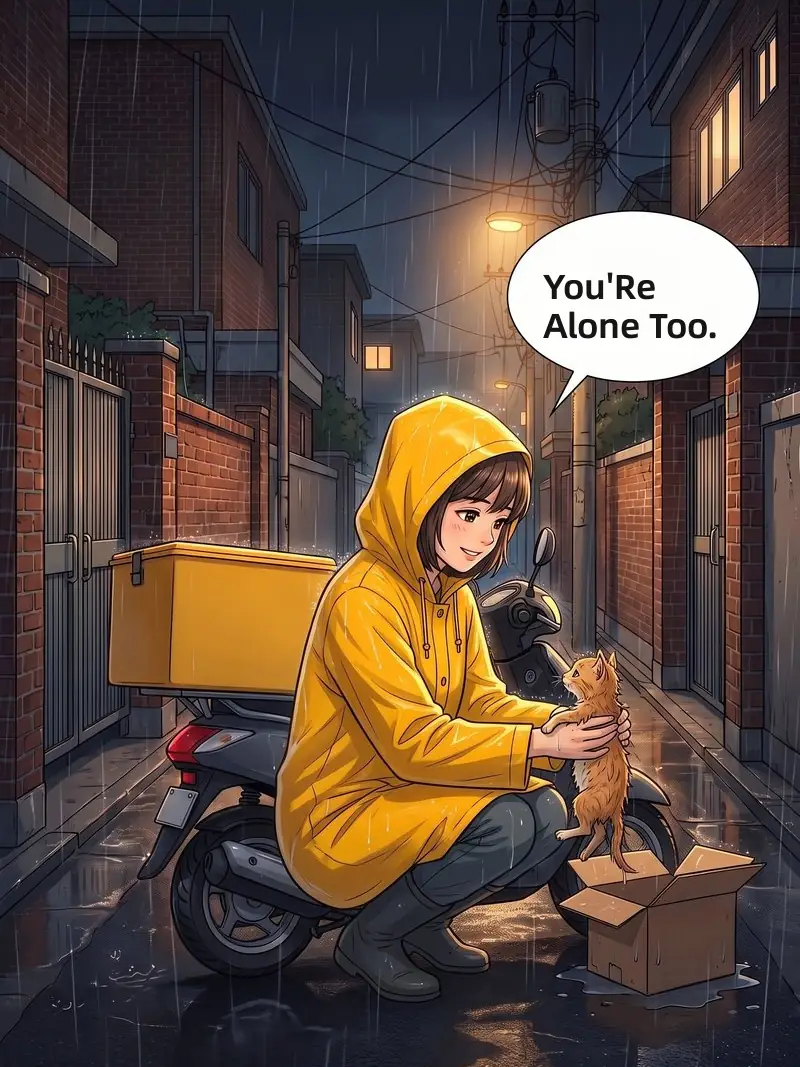
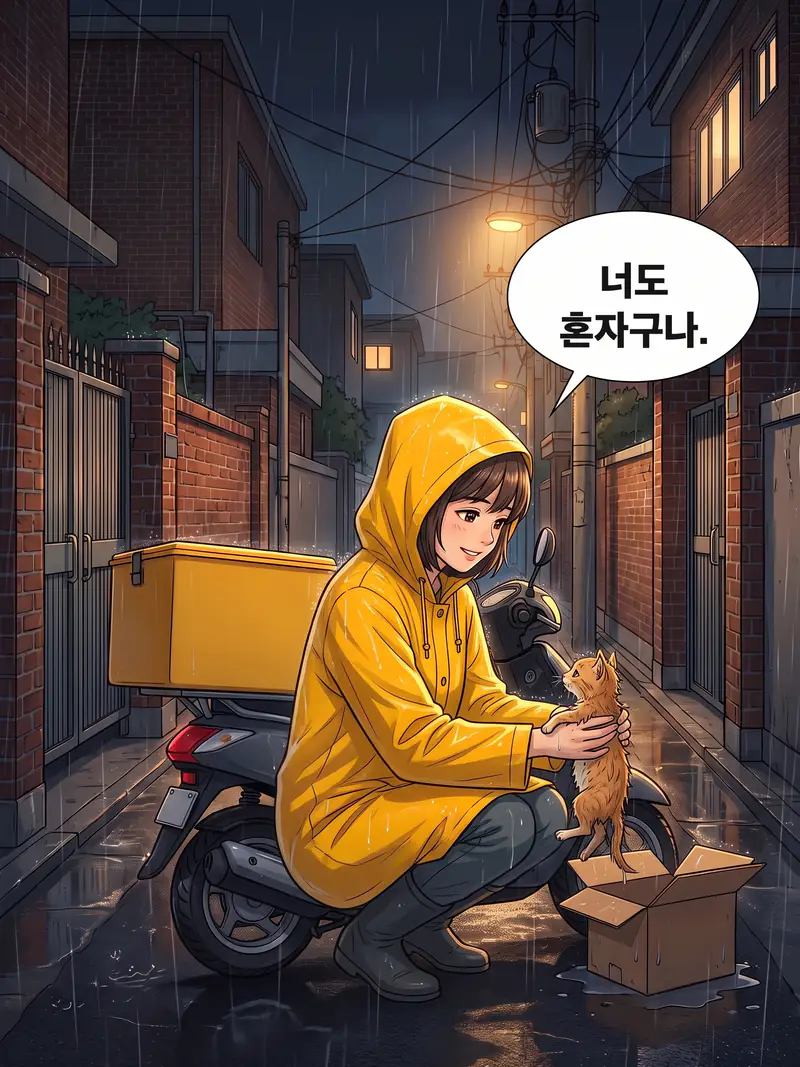
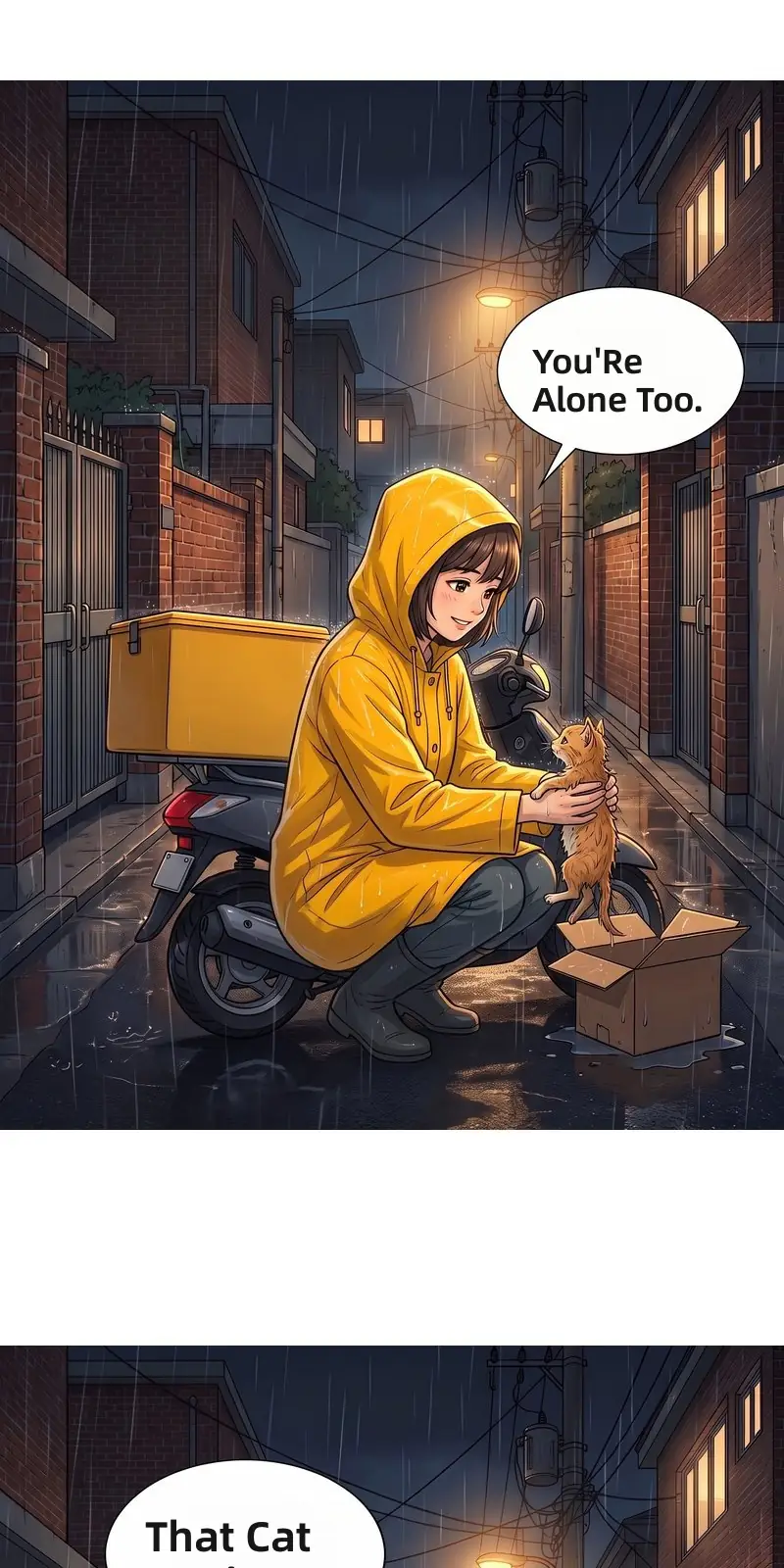
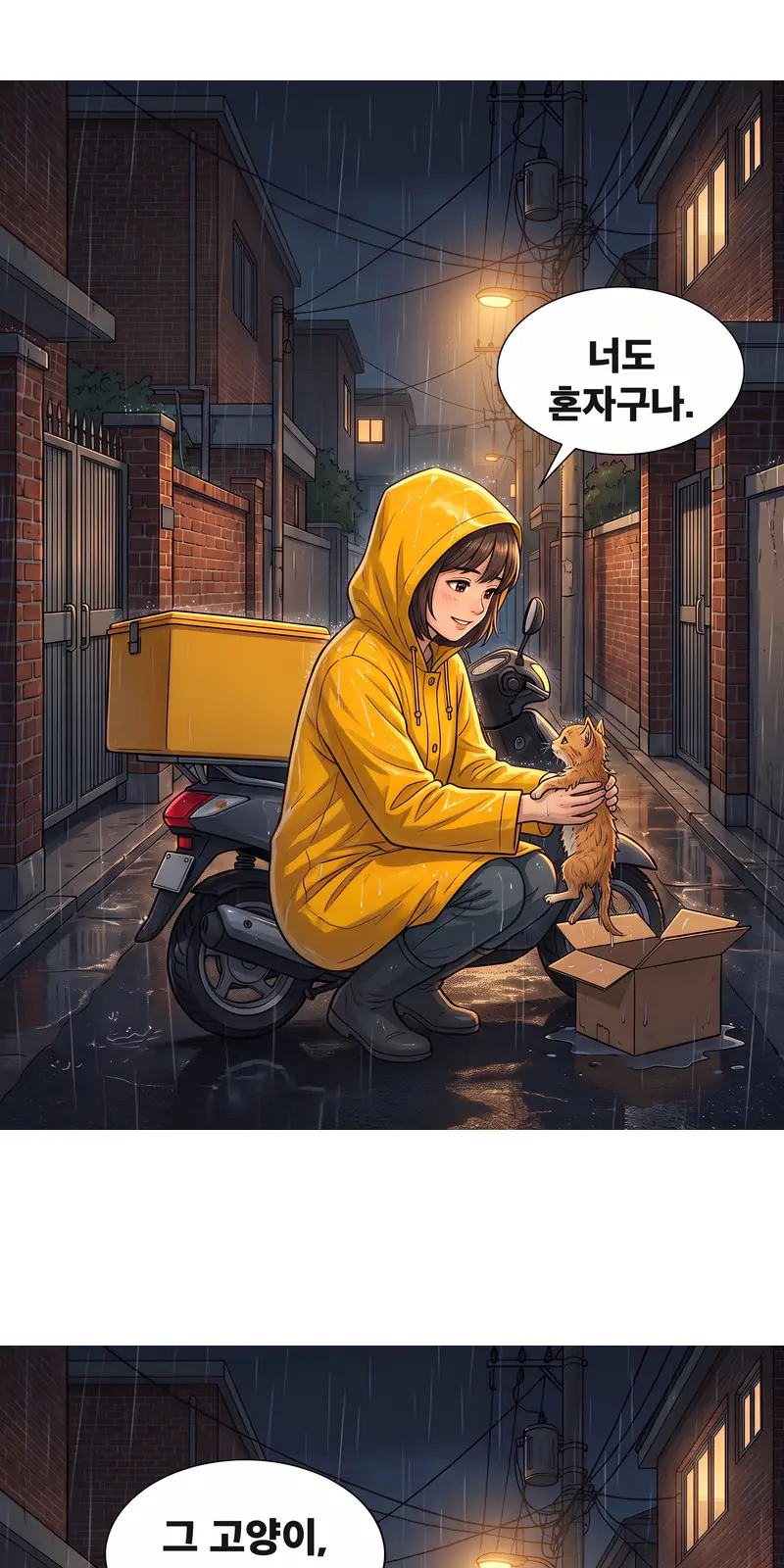
This four-panel episode is 800 × 5064 pixels, taller than a translation model reads in one pass. It was cut at a gutter, both parts were translated and joined again. Switch between the Korean original and the translation as you scroll.

WEBTOON shut down its fan translation service in November 2025, and many series lost their community translations with it. Which way to go depends on one question.
November 2025 · WEBTOON fan translations closed
Read it in the official app. Official releases pay the creators, and the publisher checks the translation.
Read the official release
Screenshot the episode and upload it here. It comes back in your language in seconds, for your own reading.
Translate a webtoonWebtoon apps do not accept browser extensions, so a screenshot is the way in. Open the webtoon translator in your phone browser, pick the screenshots from your gallery and read the result right there. Long screenshots work as they are.
Translating your own series, or helping a creator reach new readers? WEBTOON Canvas's built-in AI translation covers 7 languages. For the others, save character and attack names in the webtoon translator's glossary so every episode uses the same words, then export slices ready for Canvas.
Glossary · Rainy Night Delivery
| Korean | English | |
|---|---|---|
| 윤하Name | Yoonha | |
| 서진Name | Seojin | |
| 호박Cat's name | Pumpkin | |
| 그림자 베기Attack | Shadow Cleave |
Every new episode uses these spellings.
Canvas export
The phone way, in three steps.
In your webtoon app, take screenshots as you scroll. One scrolling screenshot works too.
Upload screenshots
3 images · Korean → English
Open the webtoon translator in your browser, choose the screenshots and keep English as the target.
Read the episode top to bottom in English and switch back to the original whenever you want.
Translators built for other kinds of comics.
Your first page is free without an account, and signing up adds 5 free credits, one page each. Credit packs start at $5.90 for 100 pages.
Yes. Screenshot the episode in the Naver Webtoon or KakaoPage app or website, upload the images and keep the source on Korean.
Apps do not allow translation add-ons, so take screenshots in the app and upload them here. The translated episode opens in your browser.
Yes. Long and scrolling screenshots work as they are. The webtoon translator splits very tall images at the gutters and joins the translated parts back into one strip.
Nothing to install: it runs in any mobile or desktop browser. A browser extension for reading sites is on the way.
Yes. Set the source to Thai, Indonesian or Chinese, or leave it on auto detect, and choose any of 55 target languages.
Each line is translated with the whole panel in view, so short replies and jokes keep their meaning, and the lettering is sized to each bubble. Compare any page with the original in one tap.
Upload screenshots or a full strip and read it in your language in seconds.
Translate a webtoon